

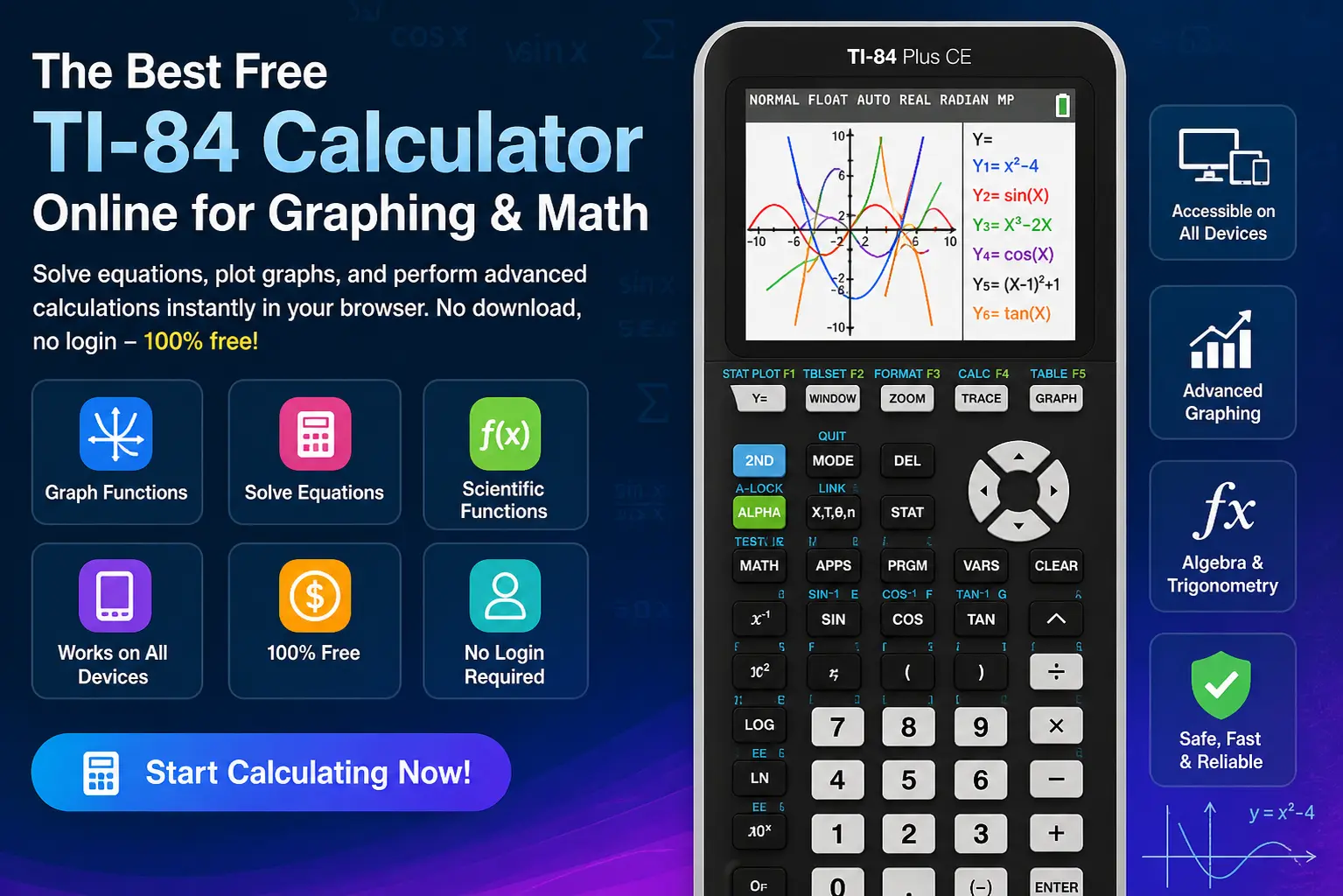
Solving algebra, graphing equations, or handling trigonometry without a proper tool can be slow and frustrating—especially when you need instant, accurate results. A TI-84 calculator online gives you the full power of a graphing and scientific calculator directly in your browser. It allows you to plot graphs, solve equations, and perform advanced calculations without any download or login. Whether you’re a student, teacher, or professional, this tool delivers fast, reliable results anytime, anywhere.
Why This TI-84 Calculator Online Is the Best Choice
The TI-84 Plus and TI-84 Plus CE are widely used for advanced math, but not everyone has access to a physical device. This online TI-84 calculator simulator solves that problem by providing the same functionality for free.
- Works like a real TI-84 calculator
- Completely free and accessible
- Compatible with all devices
- Fast graphing and equation solving
👉 You get full functionality without cost or limitations.
Key Features of the TI-84 Calculator Online
Color Graphing Display
Visualize equations with a high-resolution graphing interface that makes complex functions easy to understand.
Multi-Device Accessibility
Use it on desktops, laptops, tablets, or smartphones without compatibility issues.
Advanced Graphing Functions
Plot linear, quadratic, trigonometric, and polar equations with precision.
Scientific Calculations
Solve algebraic expressions, trigonometry, and advanced math problems efficiently.
No Download Required
Access it instantly in your browser—no installation needed.
100% Free to Use
No subscription or hidden fees.
No Login Needed
Start calculating immediately without creating an account.
Real TI-84 Experience
Designed to closely match the interface and functionality of the TI-84 Plus CE.
How to Use the TI-84 Calculator Online (Beginner Guide)
Follow these simple steps to get started:
- Enter your equation using the on-screen keypad
- Press the Y= button to input graphing functions
- Click GRAPH to visualize the equation
- Use the TRACE feature to inspect values
- Adjust settings in MODE (Degree or Radian)
- Use arrow keys to explore and analyze graphs
👉 This process enables step-by-step mathematical analysis.
Solve Real Problems Using TI-84 (Step-by-Step)
Example 1: Solve a Quadratic Equation
Problem:
x² + 5x + 6 = 0
Steps:
- Press Y=
- Enter the equation
- Press GRAPH
- Press 2nd → TRACE → Zero
Result:
x = -2 and x = -3
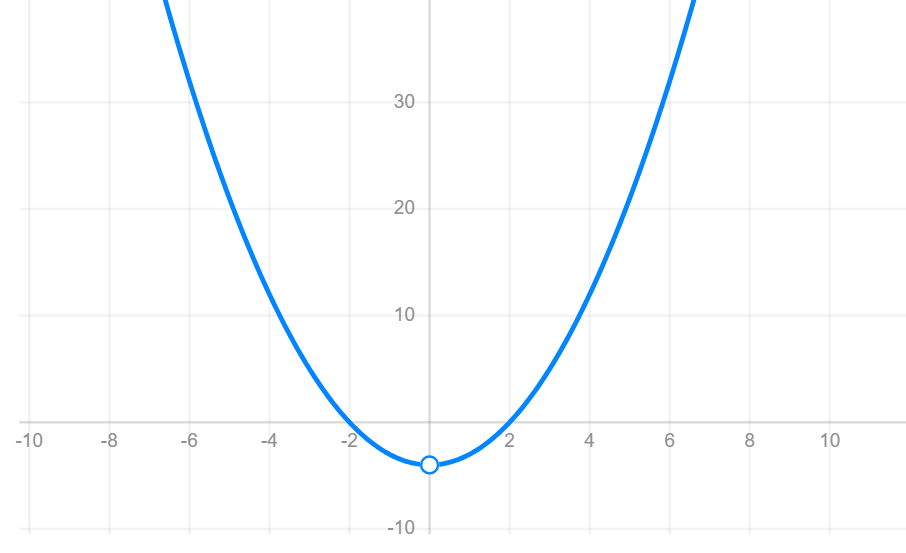
Example 2: Graph a Function
y=x2−4
Steps:
- Enter the function in Y=
- Press GRAPH
- Use arrow keys to analyze the curve
👉 The parabola is clearly visualized for better understanding.
Example 3: Trigonometry Calculation
Problem:
sin(30°)
Steps:
- Press MODE and select Degree
- Enter sin(30)
- Press ENTER
Result:
0.5
Who Can Benefit from the TI-84 Calculator Online?
Students
Perfect for homework, assignments, and exam preparation.
Teachers
Useful for classroom demonstrations and online teaching.
Professionals
Engineers, analysts, and researchers can perform quick calculations.
Everyday Users
Ideal for anyone needing a reliable scientific calculator.
TI-83 vs TI-84 vs TI-84 Plus CE (Comparison Table)
| Feature | TI-83 | TI-84 | TI-84 Plus CE |
|---|---|---|---|
| Display | Monochrome | Improved | Full-color, high-resolution |
| Speed | Basic | Faster | Advanced processor |
| Graphing | Yes | Yes | Enhanced |
| Statistics | Basic | Expanded | Advanced |
| Best For | Basic math | Intermediate | Advanced users |
👉 The TI-84 Plus CE offers the most advanced capabilities.
Online TI-84 vs Physical TI-84 Plus CE
| Feature | Online TI-84 | Physical TI-84 |
|---|---|---|
| Cost | Free | Paid |
| Access | Browser-based | Handheld device |
| Graphing | Yes | Yes |
| Exam Use | Not allowed | Allowed |
| Installation | Not required | Required |
👉 The online version offers convenience, while the physical calculator is required for exams.
Frequently Asked Questions (FAQ)
Yes, it is completely free with no subscription required.
Yes, it works smoothly on mobile devices and tablets.
Yes, it supports advanced graph plotting and visualization.
Yes, it closely replicates the real calculator’s interface and functionality.
No, it runs directly in your browser.
Typically no, as it is designed for real-time usage.
Conclusion
The TI-84 calculator online provides a powerful, fast, and accessible way to perform graphing, algebra, trigonometry, and scientific calculations—all without cost or installation. It combines the functionality of a physical TI-84 calculator with the convenience of a browser-based tool.
👉 If you need a reliable and free graphing calculator, this is the best TI-84 online solution available—start using it today and simplify your math workflow.
For more calculators: TI-30XS Calculator Online – Free Scientific Calculator for Fast Math